こうしたブログに画像を投稿する場合、うっかり exif 情報付きでアップロードしてしまうとプライバシーの観点で危険。macOS の Preview.app を使って簡単に削除することができる。(サイドパネルの情報セクションを一番下までスクロールすると削除ボタンがある)
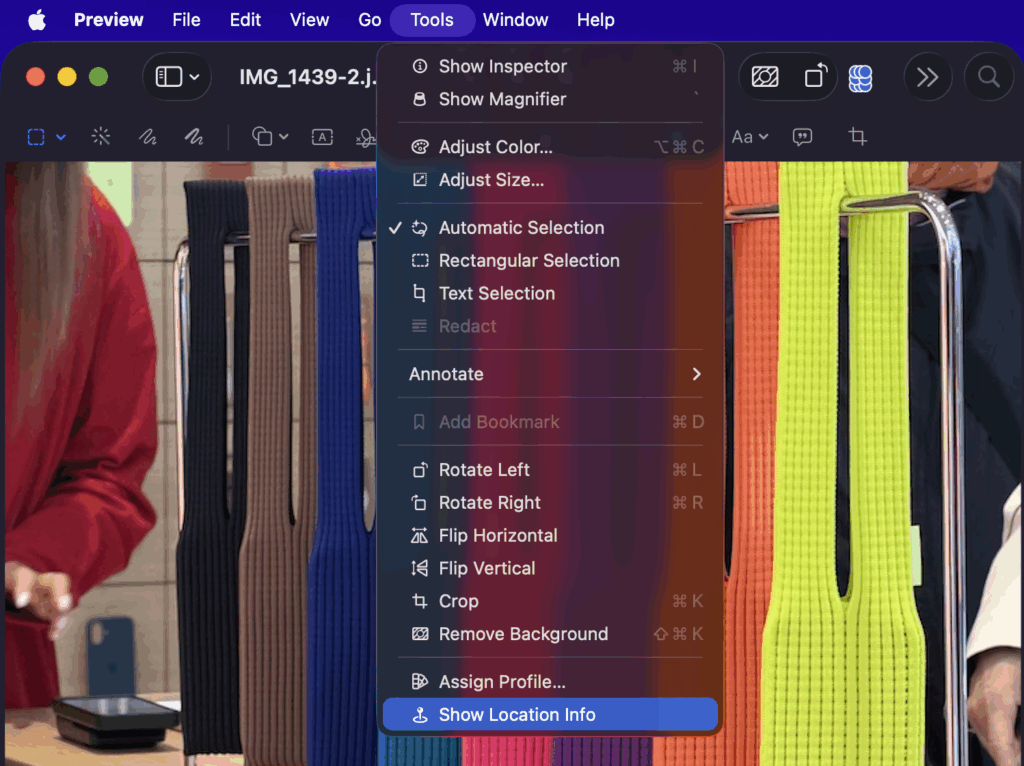
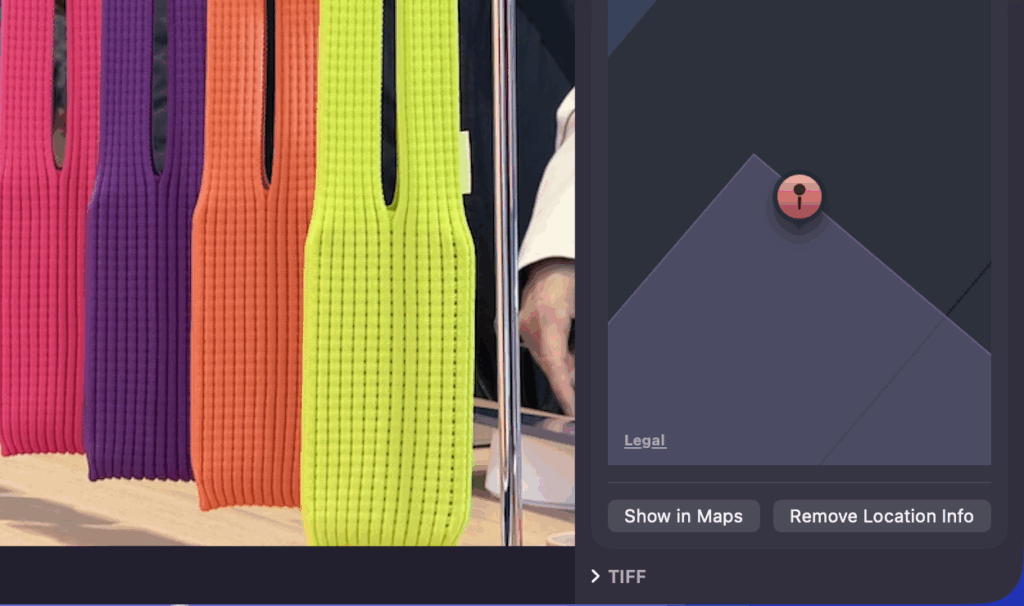
しかし、この手順を踏むと JPEG 画像が HEIC に変換されたり、JPEG でエクスポートすると再圧縮されてしまう。そして複数画像に対して一括操作することもできない。
exiftool を使うと、JPEG や HEIC ファイルから exif 情報だけを削除することが可能。
インストール
$ brew install exiftool
or
$ arch -arm64 install exiftool #Apple Silicon の場合
cwd 配下の画像に対して一括実行
$ exiftool -overwrite_original -all= *.jpg
$ exiftool -overwrite_original -all= *.heic